
Why Your Google Ads Are Not Working: Common Causes and Fixes
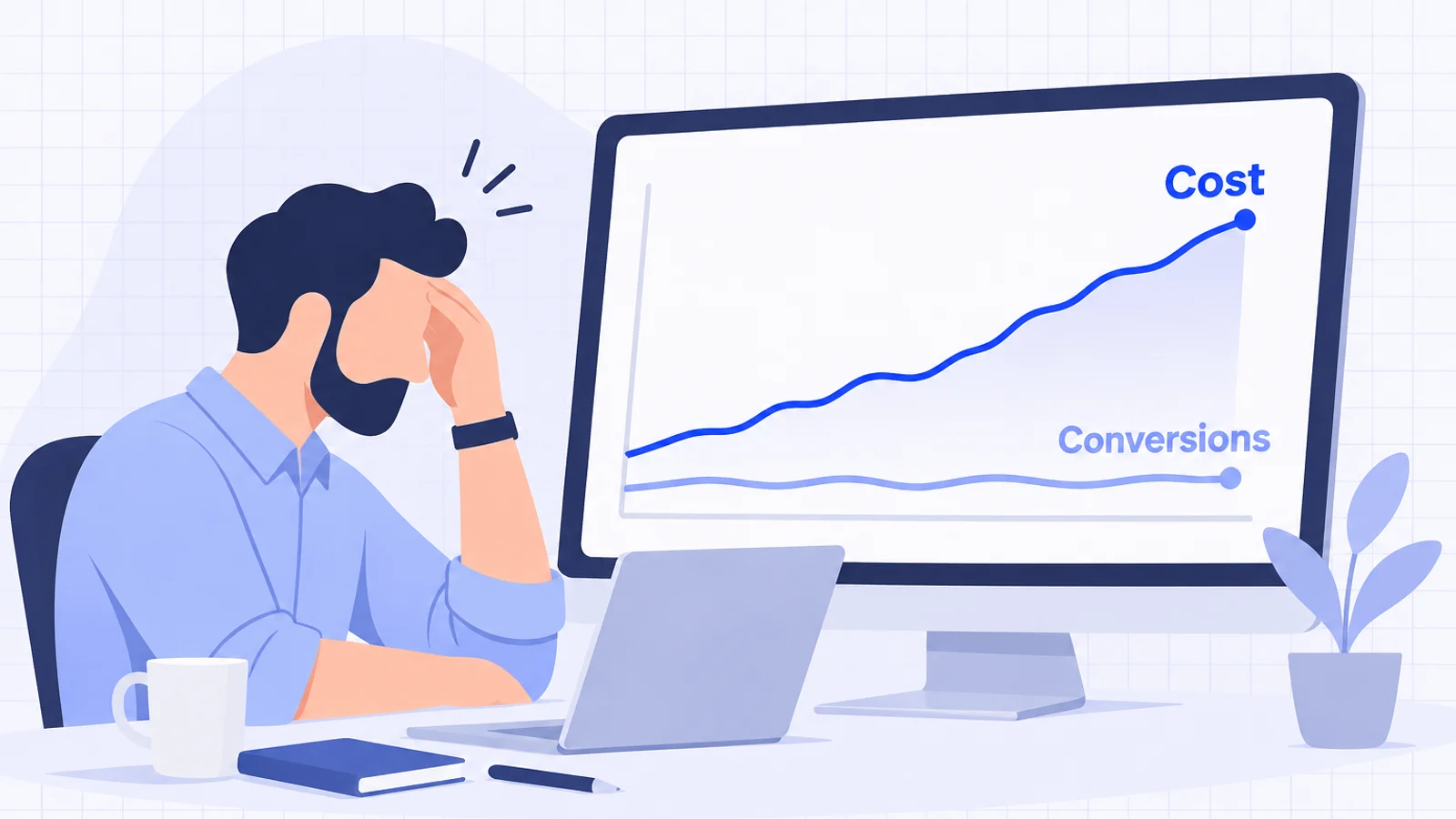
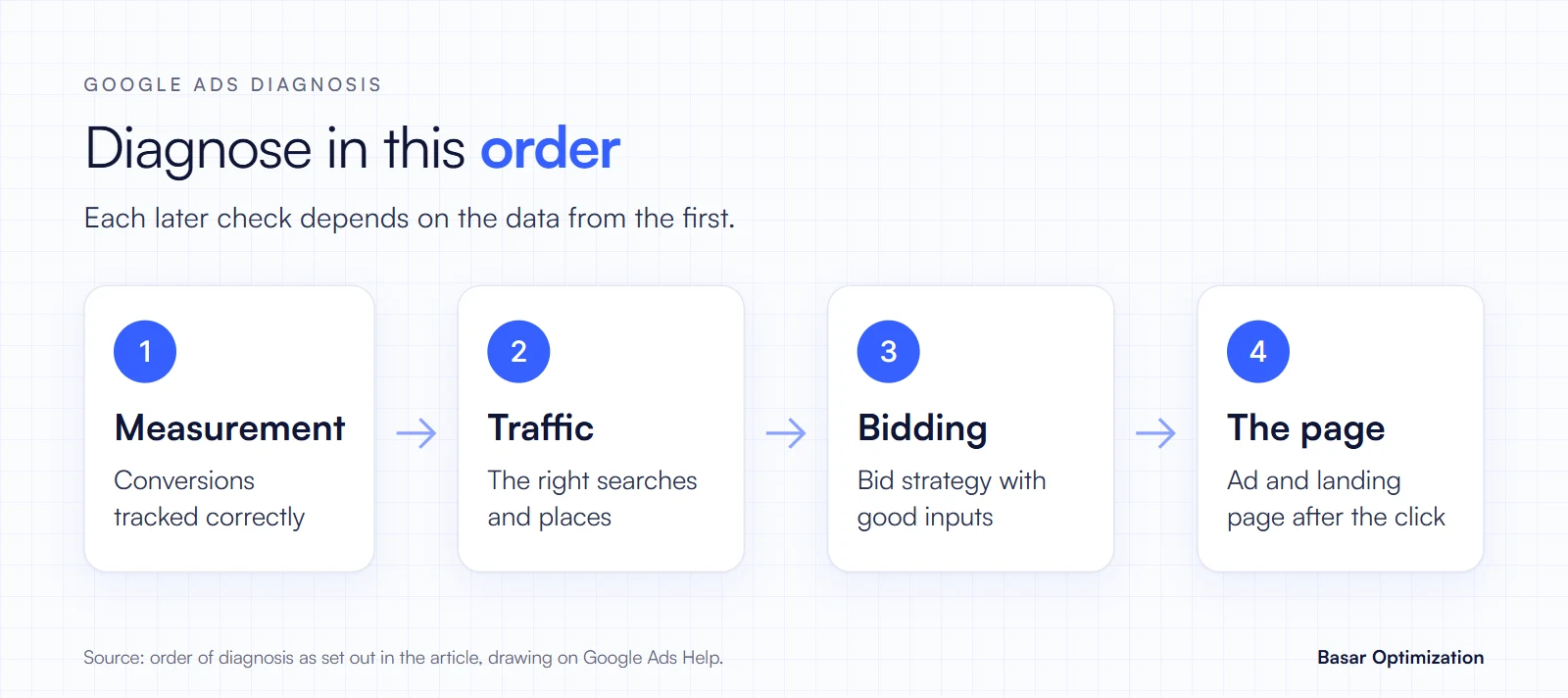
When the question is "why are my Google Ads not working?", the cause is usually one of four things: conversions are not measured correctly, the ads reach the wrong searches or places, the bid strategy is working with bad inputs, or the ad and landing page lose people after the click. Checking them in that order saves money, because each later check depends on the data from the first.
This article is about diagnosing an account that is already spending. Whether Google Ads suits your business at all is covered in our Google Ads litmus test, what a management service should include is set out in our critical analysis of Google Ads management, and budget sizing has its own guide on setting a Google Ads budget.
Are your Google Ads conversions being tracked correctly?
A conversion, in Google Ads, is an action you define as valuable, such as a form submission, a phone call or a booking (About conversion measurement). If the account counts the wrong actions, or misses the right ones, every other number in it is misleading, including the figures automated bidding uses to decide what to pay.
Three checks catch most measurement faults:
- Status. Google notes that a new tag can show as "Unverified" or "Inactive" until a first conversion or test event is recorded. A status that never turns "Active" points to a tag that is missing or broken.
- Primary versus secondary actions. Primary actions feed bidding; secondary actions are for observation only. Google warns that getting this setting wrong stops Smart Bidding from optimizing properly.
- Calls. Many service businesses take a share of their enquiries by phone. Google Ads can count calls from ads, calls to a number on your site and taps on a mobile number, but only if call tracking is set up.
Timing causes false alarms too. Google explains that a conversion can be credited to a click up to 90 days later, depending on the conversion window, so the most recent days in any report understate results (conversion delay). Before deciding that last week failed, compare periods that ended at least 30 days ago, as the same help page suggests.
One further step separates a lead count from a business result. Google Ads can import offline conversions, such as quotes that turned into signed jobs, so the account learns which clicks produced customers rather than just enquiries. Without that link, a campaign can look busy while producing little paid work.
Are your ads showing for the right searches?
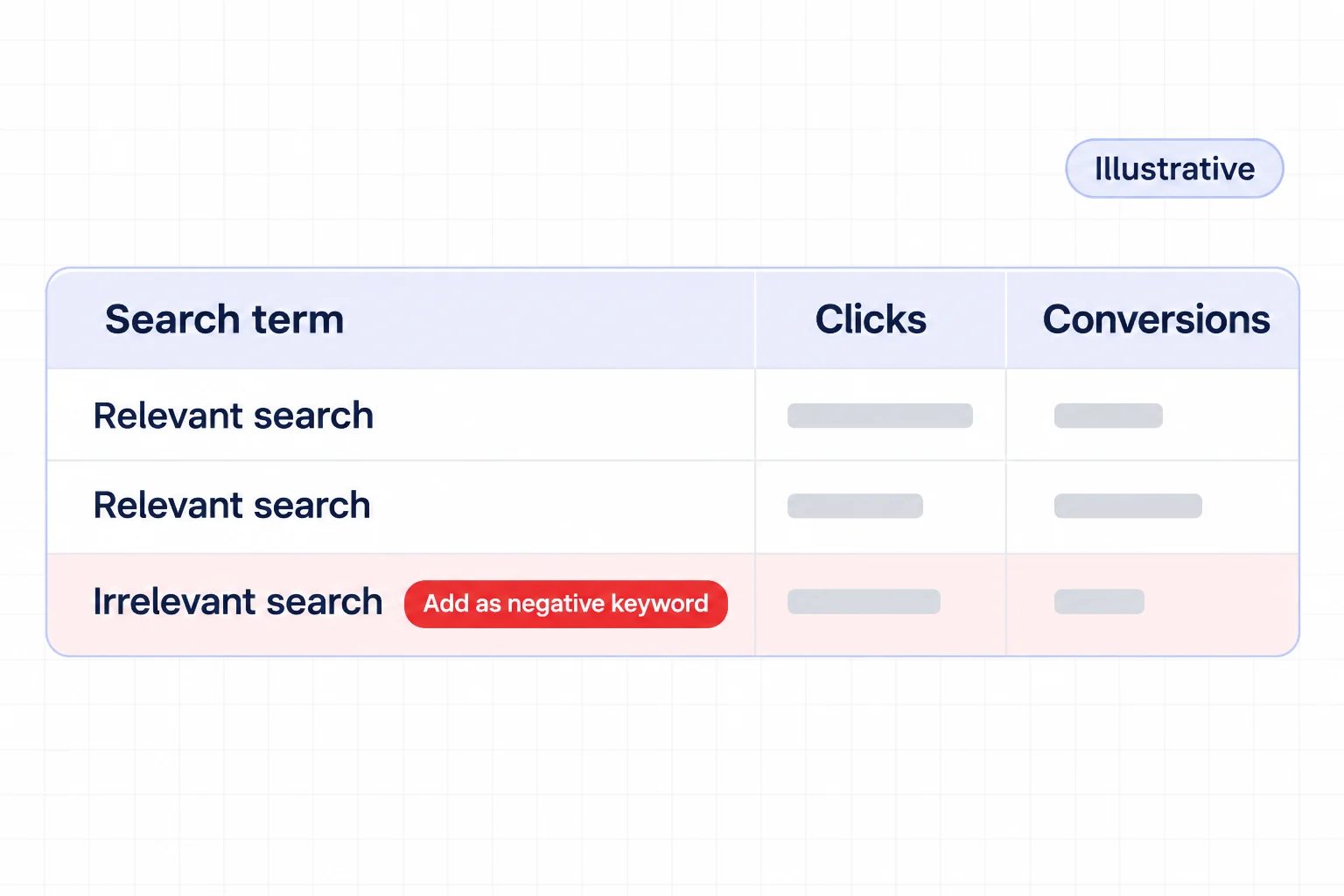
A keyword is the phrase you bid on; a search term is what a person actually typed. The search terms report shows which real searches triggered your ads and how each performed (About the search terms report). It is the single most useful screen for a "Google Ads not converting" problem, because irrelevant searches that click but never buy show up there plainly.
Two defaults deserve a look. First, new keywords start on broad match, which can trigger an ad for searches Google judges related even when the keyword's words are absent (About keyword matching options). Google recommends using broad match with Smart Bidding; without reliable conversion data, that combination has little to steer by. Second, negative keywords, terms that block an ad from showing, do not automatically cover synonyms or plural forms, so each variant you want excluded must be added (About negative keywords).
Location settings are the third common leak for a local business. By default, Google's location targeting includes both people who are in or regularly in your area and people who have shown interest in it (About advanced location options). A Calgary trade that only serves the city may want the narrower "presence" option, so its budget is not spent on searchers elsewhere who are merely reading about Calgary.
Is your bid strategy working against you?
Smart Bidding is Google's family of automated strategies, including Maximize conversions and Target CPA, that set a bid for each auction using signals such as device, location, time of day and the actual query (About Smart Bidding). Google notes that some of these strategies work best with a minimum volume of past conversion data. A campaign with few or wrongly counted conversions gives the system little to learn from.
Targets can also be set too tightly. With Target CPA, the average cost per conversion you ask Google to aim for, Google warns that a target set too low may cause the campaign to pass up clicks that would have converted, producing fewer conversions overall (About Target CPA bidding). Google suggests judging the strategy on 30 days of data that include at least 30 conversions.
Are the ad and landing page doing their job?
Quality Score is Google's 1 to 10 keyword-level rating built from expected click-through rate, ad relevance and landing page experience (About Quality Score). Google is explicit that it is a diagnostic, not an auction input or a KPI. Its value lies in the component labels: a "Below average" landing page experience, for example, tells you where to look.
The real auction measure is Ad Rank, which combines your bid, the quality of the ad and landing page, minimum thresholds, competition and the searcher's context (About Ad Rank). A weak page therefore costs twice: it converts fewer visitors, and it lowers the quality side of Ad Rank, which can push the ad down the page or below the threshold to show. Mobile matters: 84% of Canadians aged 15 and older had a mobile data plan in 2022 (Statistics Canada), and 70% of internet users surveyed for CIRA in March 2024 went online by smartphone (CIRA, 2024). Three page checks are worth making: each ad group should land on a page about the same service, the phone number should be tappable on mobile, and the form should ask only what a first contact needs.
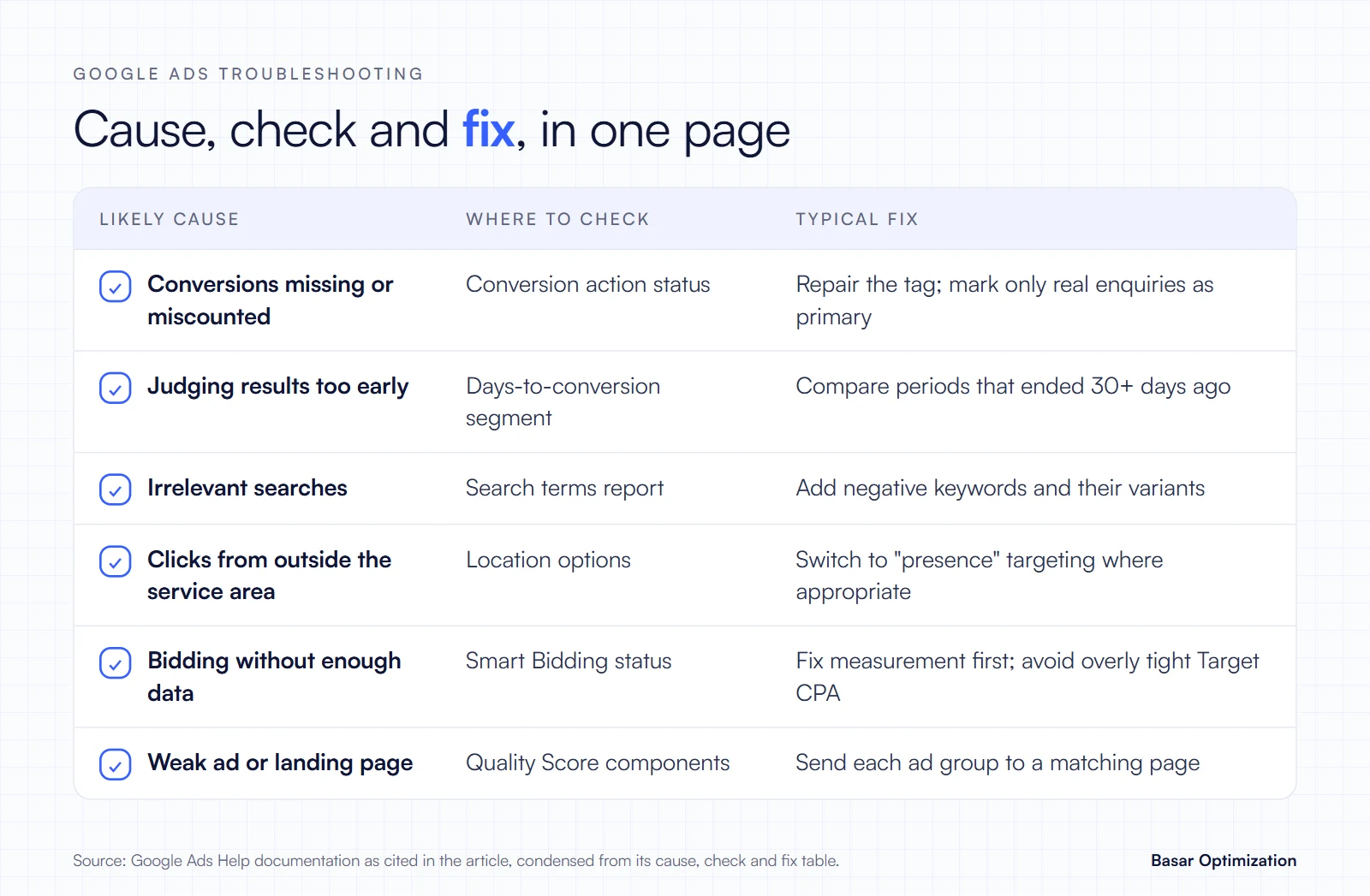
A cause, check and fix table
| Likely cause | Where to check | Typical fix |
|---|---|---|
| Conversions missing or miscounted | Conversion action status; primary/secondary setting | Repair the tag; mark only real enquiries as primary; add call tracking |
| Judging results too early | Days-to-conversion segment | Compare periods that ended 30+ days ago |
| Irrelevant searches | Search terms report | Add negative keywords and their variants; tighten match types |
| Clicks from outside the service area | Location options | Switch to "presence" targeting where appropriate |
| Bidding without enough data | Smart Bidding status and conversion volume | Fix measurement first; avoid overly tight Target CPA |
| Weak ad or landing page | Quality Score components | Send each ad group to a matching page; make calls and forms easy on mobile |
Final Thoughts
An account that "isn't working" is usually telling you something specific, and the order of diagnosis matters: measurement, then traffic, then bidding, then the page.
Measured results should then be read against the cost of winning a customer, not the cost of a click. Simple comparisons can flatter paid search: in large field experiments at eBay, its measured return was a fraction of non-experimental estimates (NBER working paper, 2014). This diagnostic sequence is how our Google Ads management and data-driven marketing work begins. If you would like a second set of eyes on a live account, you can request a quote and we will go through it with you.
Frequently Asked Questions
Why are my Google Ads getting clicks but no conversions?
Start with measurement: confirm the conversion action is active and set as primary, and that calls are tracked. If tracking is sound, open the search terms report to see whether the clicks come from relevant searches, then check location settings and the landing page. Clicks without conversions usually mean the wrong visitors, a page that does not match the ad, or enquiries that are not being recorded.
How do I know if Google Ads conversion tracking is working?
Check the status of each conversion action in Google Ads. A new tag may read "Unverified" or "Inactive" until it records its first conversion or a test event, after which it should show as "Active". If it never changes, the tag is likely missing or misfiring. Also submit a test enquiry yourself and confirm it appears, allowing for reporting delay.
How long should I wait before judging a Google Ads change?
Usually longer than it feels. Conversions can be credited to clicks up to 90 days later, depending on the conversion window, so recent days look weaker than they are. Google suggests comparing date ranges that ended at least 30 days ago for complete data, and judging Target CPA over 30 days that include at least 30 conversions.
Should I pause Google Ads if they are not working?
Not before you know why. Pausing removes the data needed to diagnose the problem, and a campaign that restarts later may face the same faults. Check measurement, search terms, location settings and the landing page first. If the account is sound and the channel still does not suit the business, pausing becomes a reasoned decision rather than a reaction.